Description
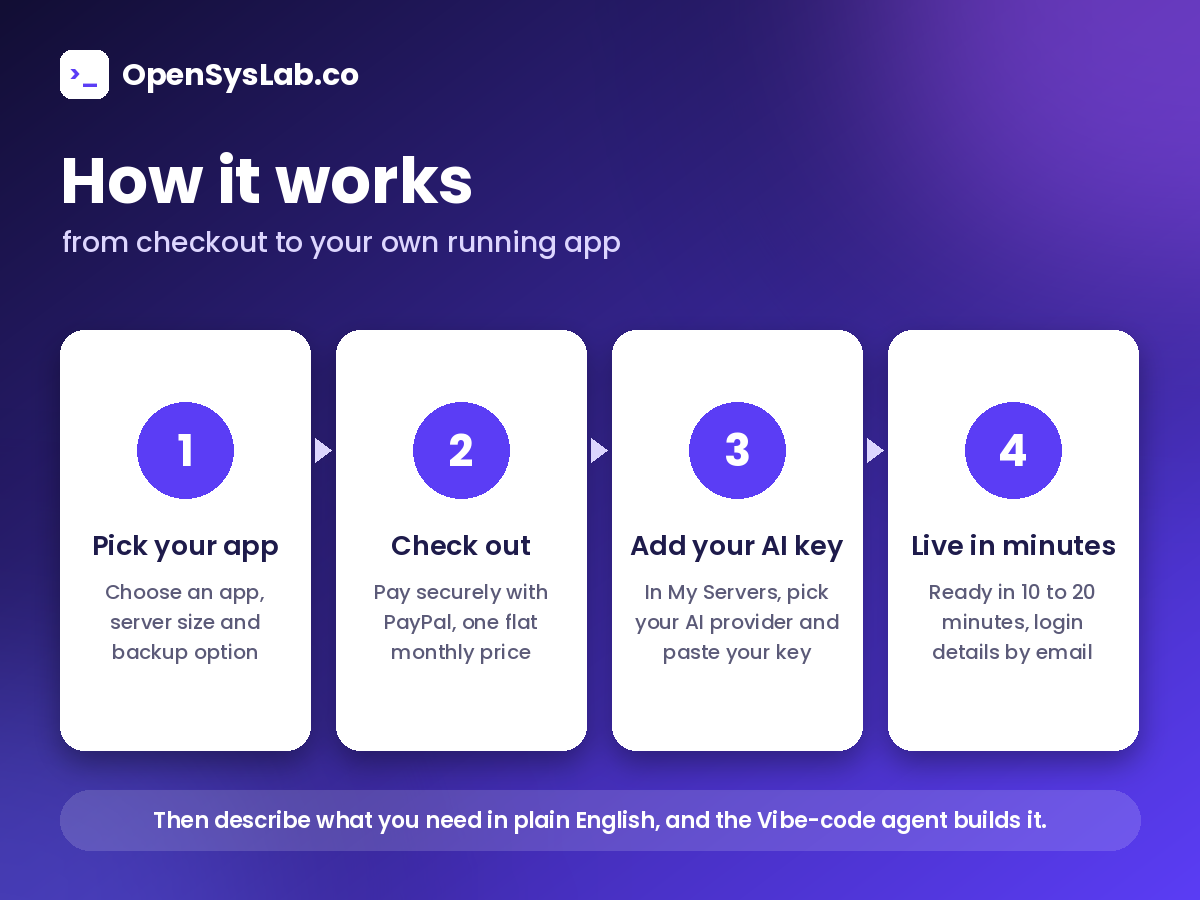
GraphQL-first open-source commerce. This server ships fully installed and provisioned: you get root access, optional daily or weekly backups, and the Vibe-code agent in an Open WebUI chat that can read the app’s configuration, run commands and do the work for you.
Who it’s for
- Developers building fast, custom shops
- Brands selling in several channels and countries
- Teams that want a GraphQL API for their front end
Key features
- Products, product types and attributes
- Orders, payments and fulfilment
- Multi-channel and multi-currency
- Discounts and gift cards
- Staff permissions
- GraphQL API and dashboard
What’s included
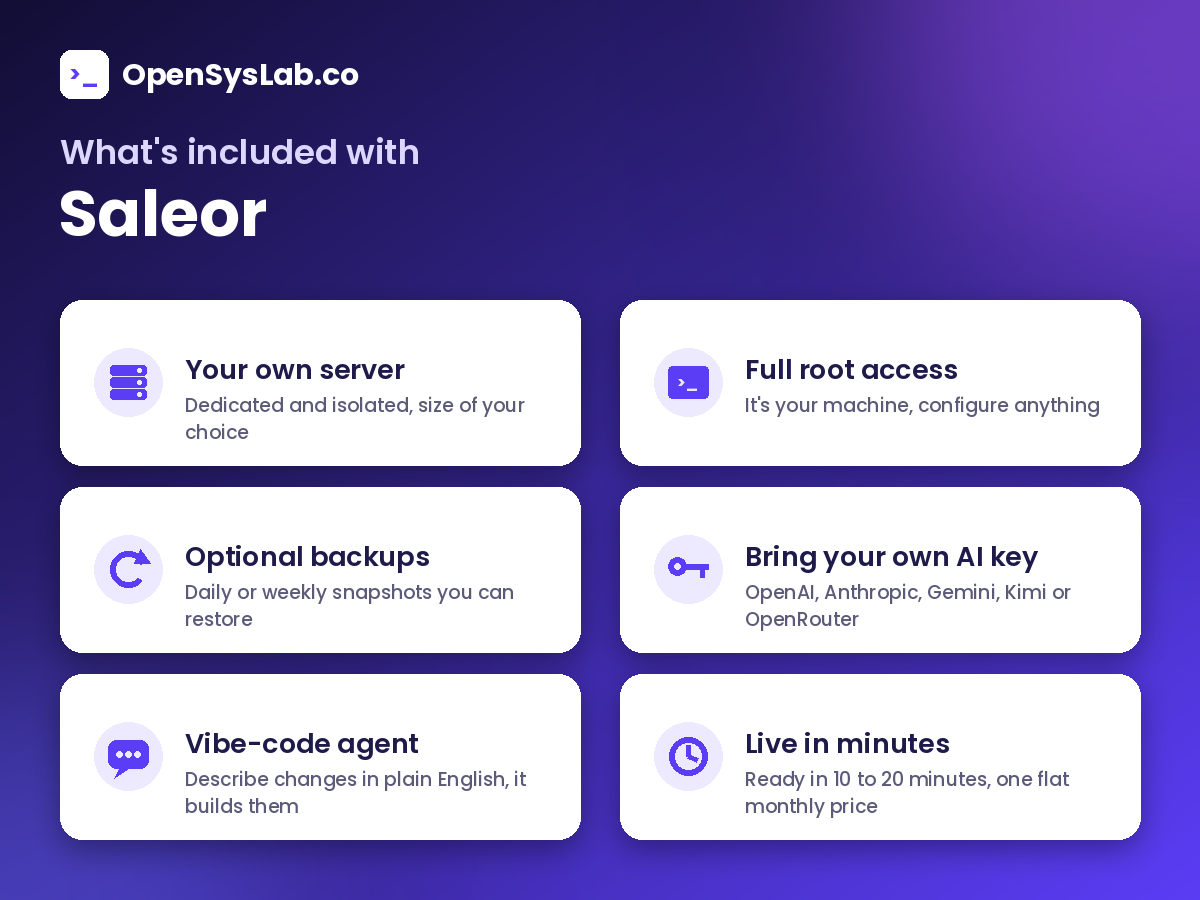
- Saleor, installed and ready to use
- Server size of your choice (from 4 vCPU · 16 GB RAM · 200 GB SSD), in the location you pick
- Full root access to your server
- Optional daily or weekly backups (choose at checkout), so your server can be restored to its last snapshot
- Bring your own AI key (OpenAI, Anthropic, Google Gemini, Kimi or OpenRouter): your prompts go straight from your server to your AI provider
- The Vibe-code agent in an Open WebUI chat
What the Vibe-code agent can do
Anything a careful admin could do, you can delegate: ask it to configure features, automate routine work, integrate other tools, or explain what it is changing as it goes. Try prompts like these:
- “Create a product type for T-shirts with size and color attributes.”
- “Set up a channel for Hong Kong in HKD.”
- “Give my warehouse staff access only to orders.”
FAQ
Do I need to know how to code?
No. You describe what you want in plain English and the Vibe-code agent does the setup, explaining each step.
Do I need to know GraphQL?
No. You use the dashboard, and the agent can work with the GraphQL API for you.
Who owns the data?
You do. It runs on your own dedicated server with full root access, and your prompts never pass through an OpenSysLab server.
Who pays for the AI usage?
You connect your own AI provider key, so token usage is billed by your provider. Your subscription covers the server, the Open WebUI workspace and the setup.