Description
Invoice Ninja is the leading open-source invoicing platform — invoices, quotes, payments, expenses and a client portal in one clean app. It ships pre-installed with the Vibe-code agent that can brand, automate and integrate your billing.
What you get
- Invoices, quotes, credits — professional PDFs with your branding and custom fields
- Recurring billing — auto-bill subscriptions with payment reminders
- Online payments — Stripe, PayPal, Square and 20+ gateways out of the box
- Expenses & time tracking — log billable time and costs, convert to invoices
- Client portal — customers view/pay invoices, approve quotes and manage their details
- Products & tasks — catalog, projects and kanban task boards
- API-first — full REST API with SDKs and e-invoicing support
What the Vibe-code agent can do
- Design custom PDF invoice/quote templates matching your brand
- Automate billing: import line items, generate recurring schedules, dunning emails
- Build integrations (webhooks to your CRM, accounting exports, payment reconciliation)
- Set up multi-company and localization (taxes, currencies, languages)
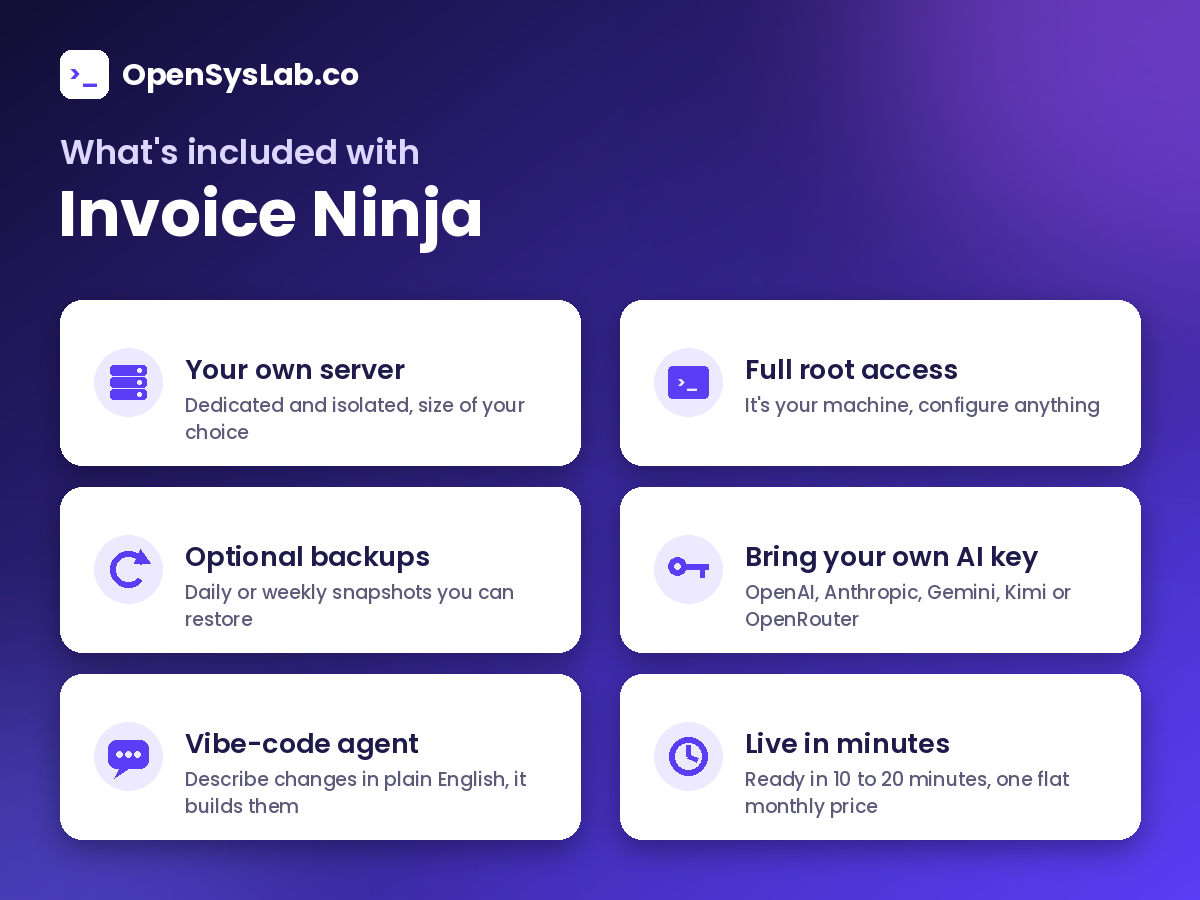
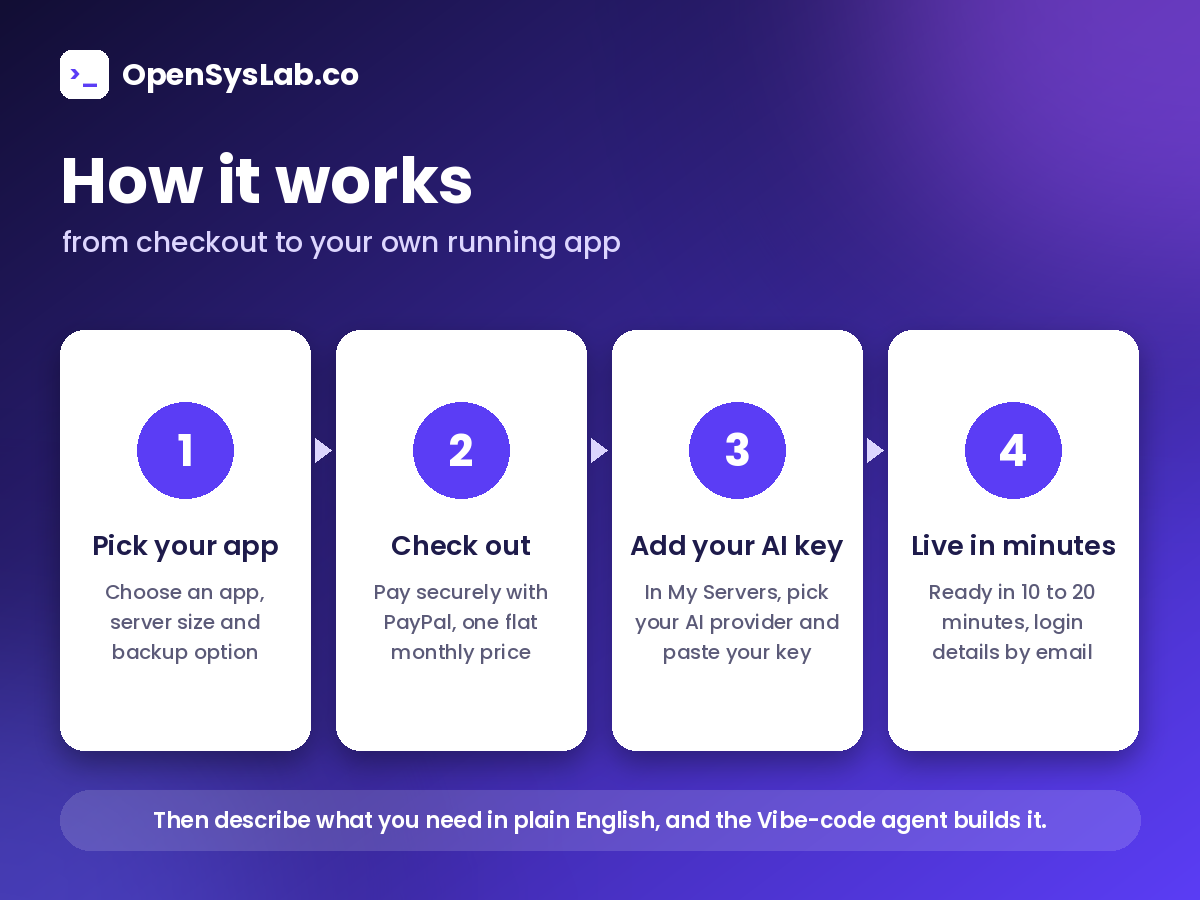
Server: 4 vCPU · 8 GB RAM · 160 GB SSD, in your chosen region. Start it from My Account → My Servers — ready in about 10–20 minutes.
FAQ
Do I need to know how to code?
No. You describe what you want in plain English and the Vibe-code agent does the work, explaining each step.
What if a change breaks something?
Choose daily or weekly backups at checkout, so your server can be restored to its last snapshot.
Who owns the data?
You do. It runs on your own dedicated server with full root access, and your prompts never pass through an OpenSysLab server.
Who pays for the AI usage?
You connect your own AI provider key (OpenAI, Anthropic, Google Gemini, Kimi or OpenRouter), so token usage is billed by your provider. Your subscription covers the server, the Open WebUI workspace and the setup.