Description
Watch the AI demo
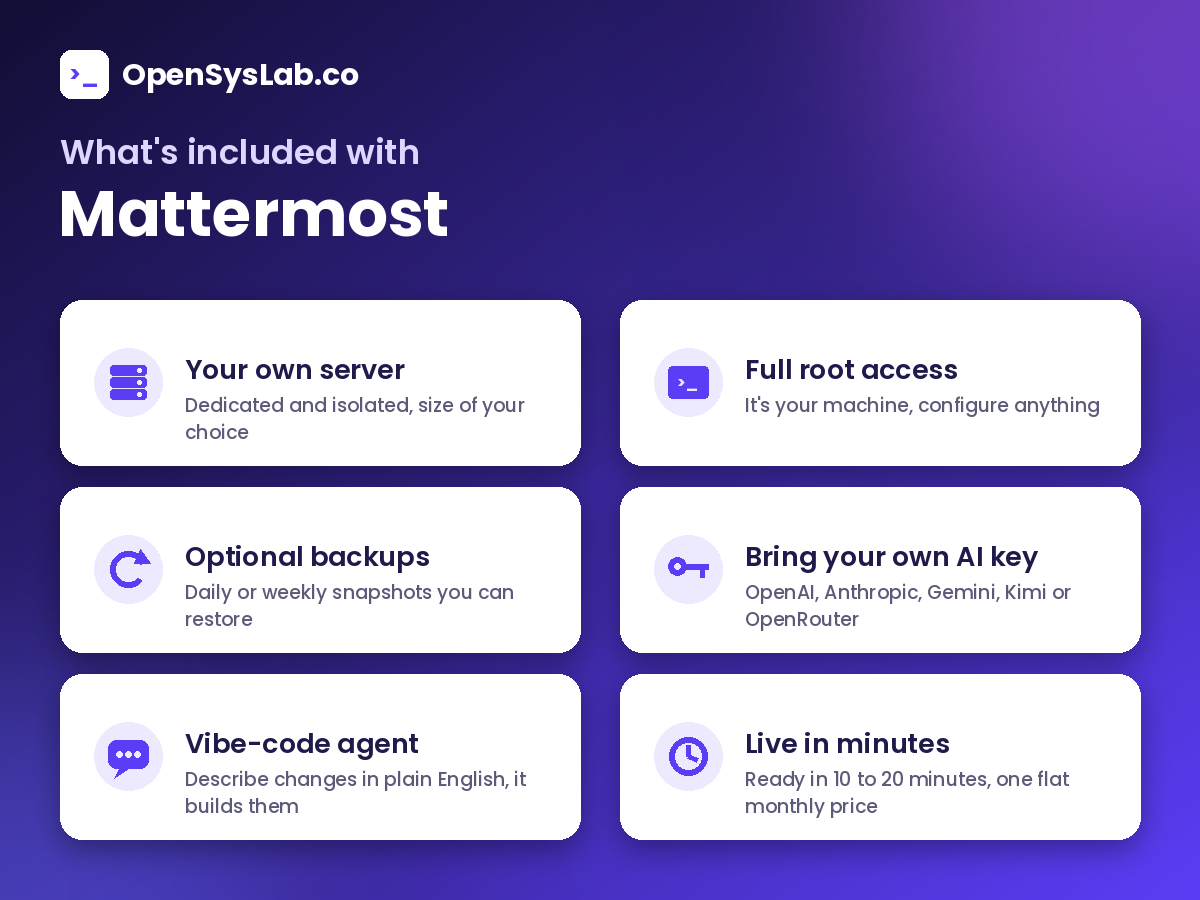
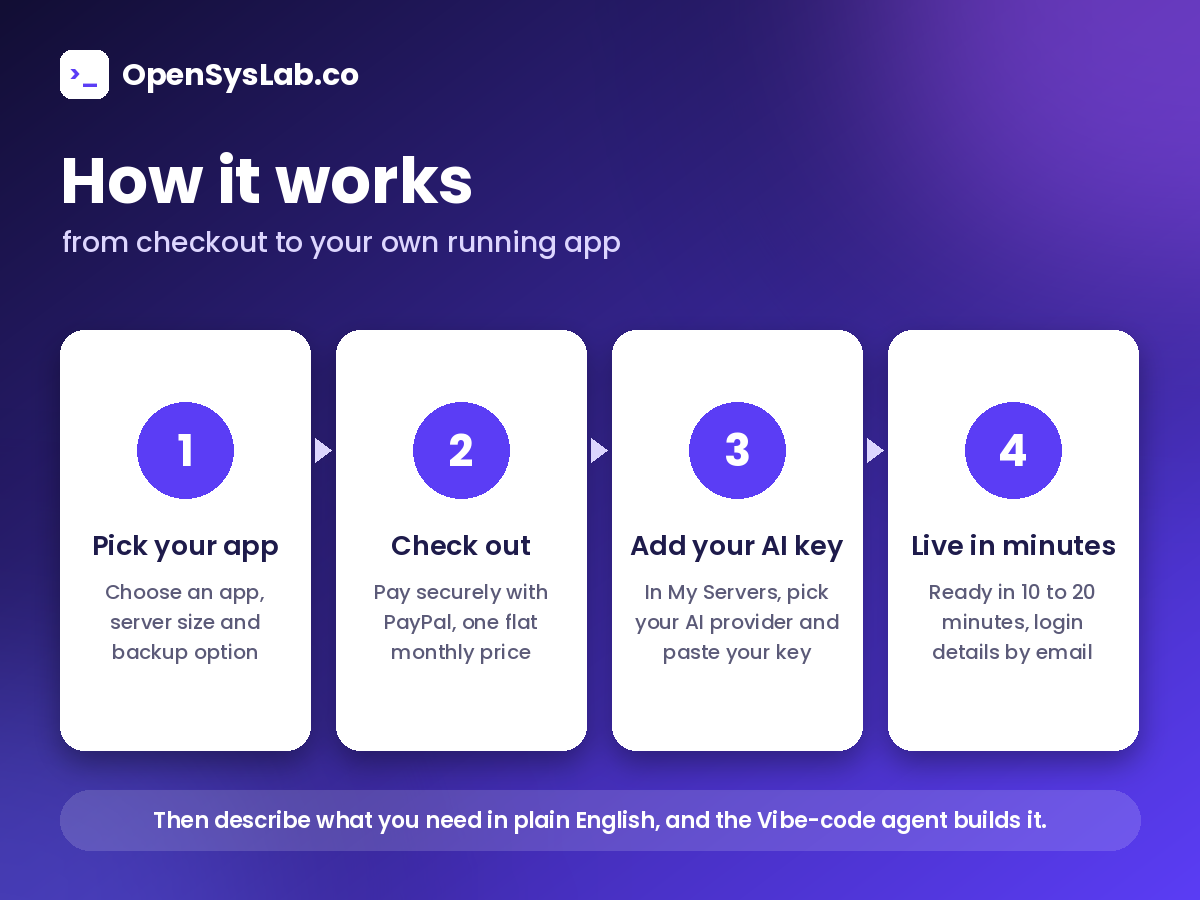
Open-source team chat with playbooks and integrations. This server ships fully installed and provisioned: you get root access, optional daily or weekly backups, and the Vibe-code agent in an Open WebUI chat that can read the app’s configuration, run commands and do the work for you.
Who it’s for
- Teams that want Slack-style chat on their own server
- Companies with security or compliance needs for messaging
- DevOps and IT teams who use incident playbooks
Key features
- Channels, threads and direct messages
- File sharing and search
- Voice and video calls
- Playbooks for repeatable processes and incidents
- Integrations, webhooks and bots
- Desktop and mobile apps
What’s included
- Mattermost, installed and ready to use
- Server size of your choice (from 4 vCPU · 16 GB RAM · 200 GB SSD), in the location you pick
- Full root access to your server
- Optional daily or weekly backups (choose at checkout), so your server can be restored to its last snapshot
- Bring your own AI key (OpenAI, Anthropic, Google Gemini, Kimi or OpenRouter): your prompts go straight from your server to your AI provider
- The Vibe-code agent in an Open WebUI chat
What the Vibe-code agent can do
Anything a careful admin could do, you can delegate: ask it to configure features, automate routine work, integrate other tools, or explain what it is changing as it goes. Try prompts like these:
- “Create channels for sales, support and management and invite my team.”
- “Build a playbook for handling a website outage.”
- “Post a message in #alerts when our website is down.”
FAQ
Do I need to know how to code?
No. You describe what you want in plain English and the Vibe-code agent does the setup, explaining each step.
Are there mobile apps?
Yes. Mattermost has desktop, iOS and Android apps that connect to your server.
Who owns the data?
You do. It runs on your own dedicated server with full root access, and your prompts never pass through an OpenSysLab server.
Who pays for the AI usage?
You connect your own AI provider key, so token usage is billed by your provider. Your subscription covers the server, the Open WebUI workspace and the setup.