Description
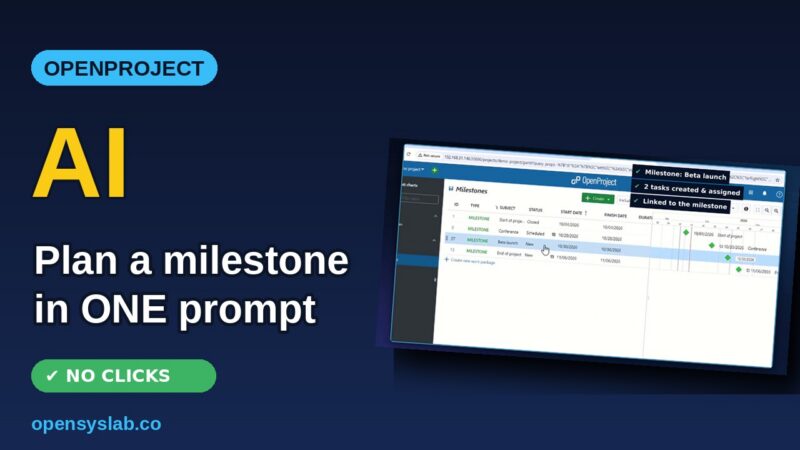
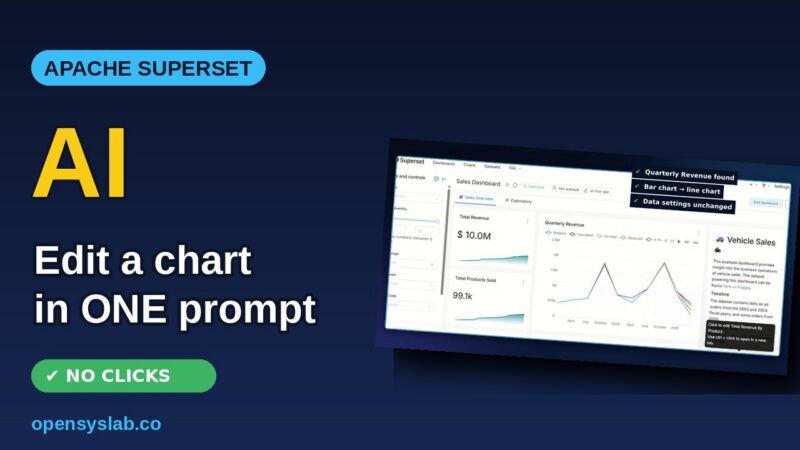
Watch the AI demo
ERPNext is the most complete open-source ERP in the world — accounting, inventory, manufacturing, HR, projects, CRM and more on one platform, built on the Frappe framework. Your server runs ERPNext v15 with the Vibe-code agent that can customize doctypes, write server scripts and build integrations.
What you get
- Accounting — journals, invoicing, taxes, bank reconciliation, financial reports (P&L, balance sheet, GST/VAT)
- Inventory & manufacturing — warehouses, batches/serials, BOMs, production planning, quality inspections
- Sales & purchasing — quotations, orders, suppliers, landed costs, pricing rules
- HR & payroll — attendance, leave, expense claims, salary structure and payslips
- Projects & CRM — tasks, timesheets, support tickets, leads and opportunities
- Low-code customization — DocTypes, workflows, print formats, custom scripts and a full REST API
What the Vibe-code agent can do
- Create custom DocTypes, fields and business logic with server/client scripts
- Build automation: notifications, assignments, scheduled jobs, custom buttons
- Write integrations with payment gateways, marketplaces or your other apps
- Generate custom reports (Script Reports / Query Reports) and migrate data
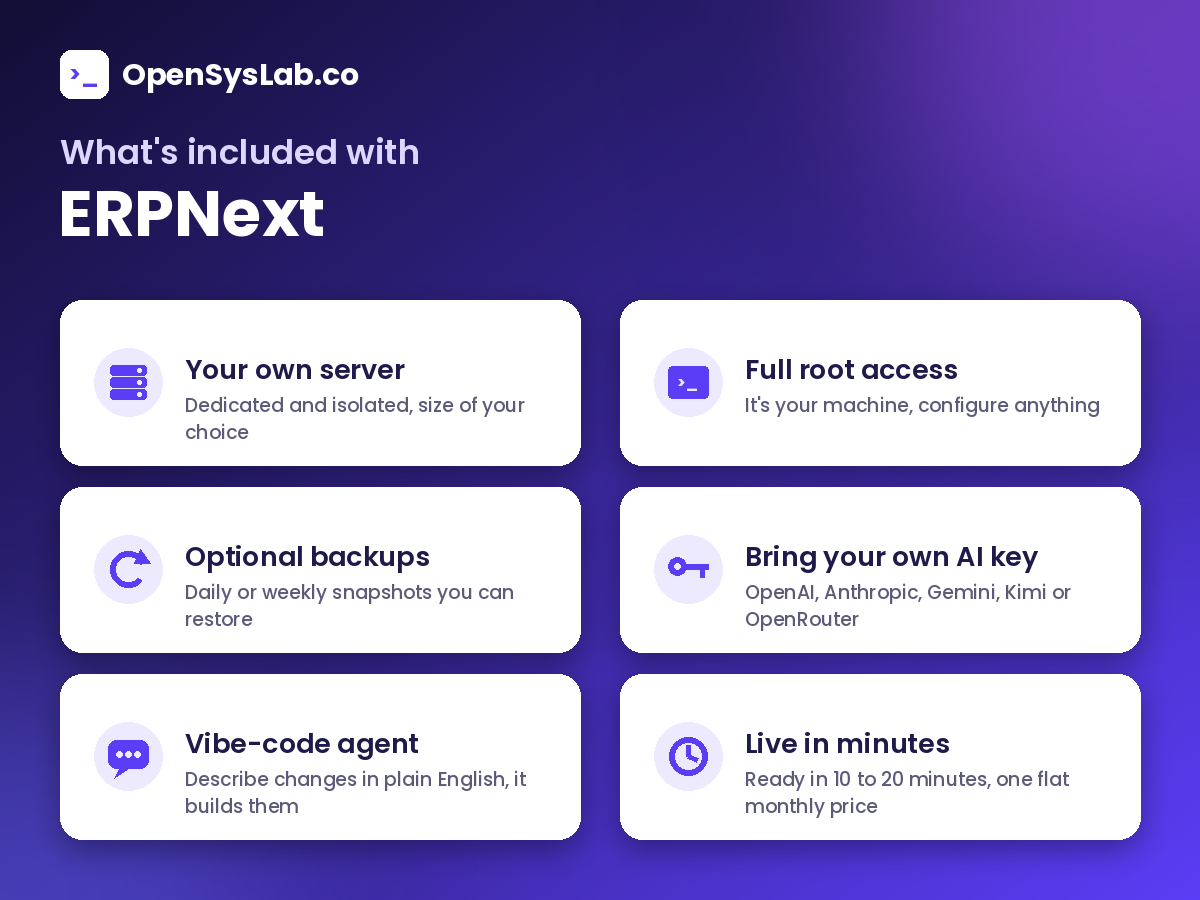
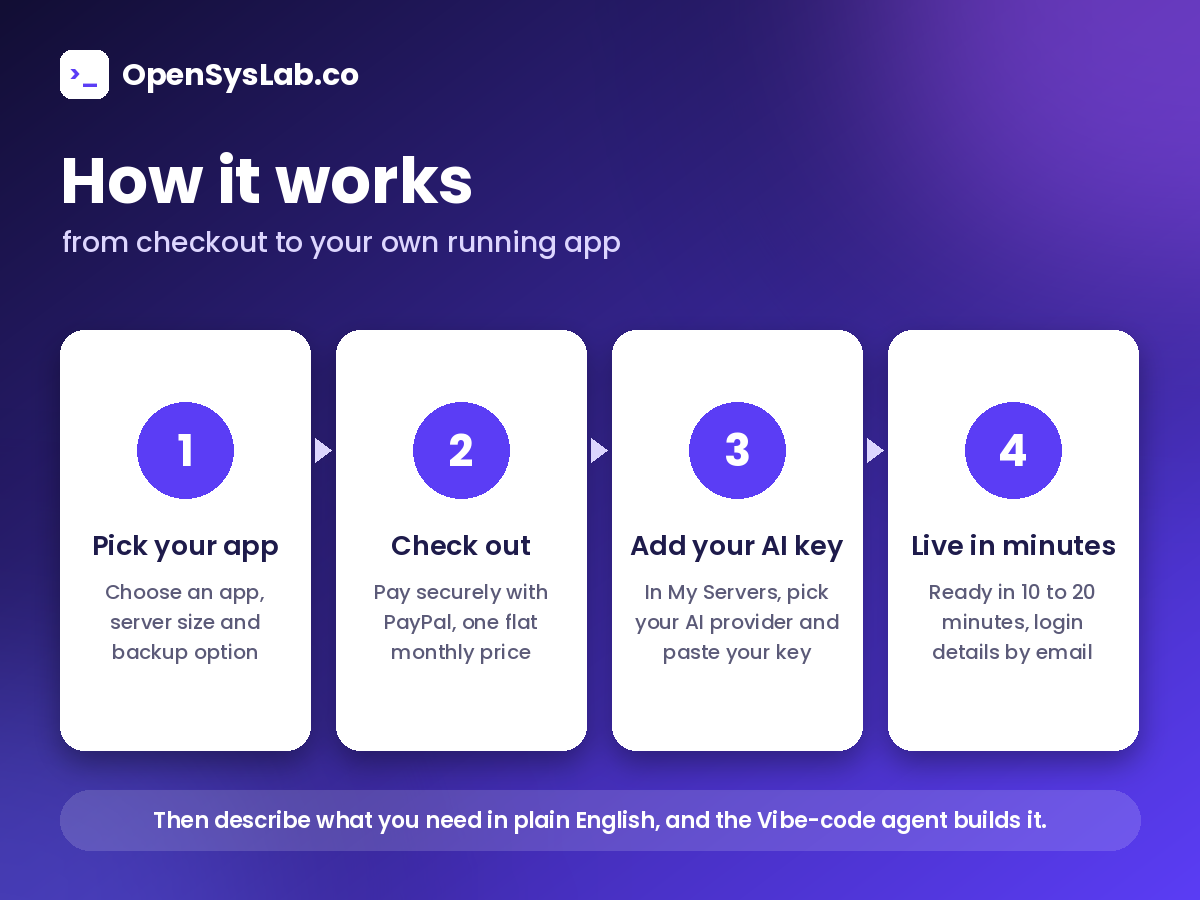
Server: 8 vCPU · 16 GB RAM · 320 GB SSD — sized for production ERP workloads. Start it from My Account → My Servers — ready in about 10–20 minutes.
FAQ
Do I need to know how to code?
No. You describe what you want in plain English and the Vibe-code agent does the work, explaining each step.
What if a change breaks something?
Choose daily or weekly backups at checkout, so your server can be restored to its last snapshot.
Who owns the data?
You do. It runs on your own dedicated server with full root access, and your prompts never pass through an OpenSysLab server.
Who pays for the AI usage?
You connect your own AI provider key (OpenAI, Anthropic, Google Gemini, Kimi or OpenRouter), so token usage is billed by your provider. Your subscription covers the server, the Open WebUI workspace and the setup.